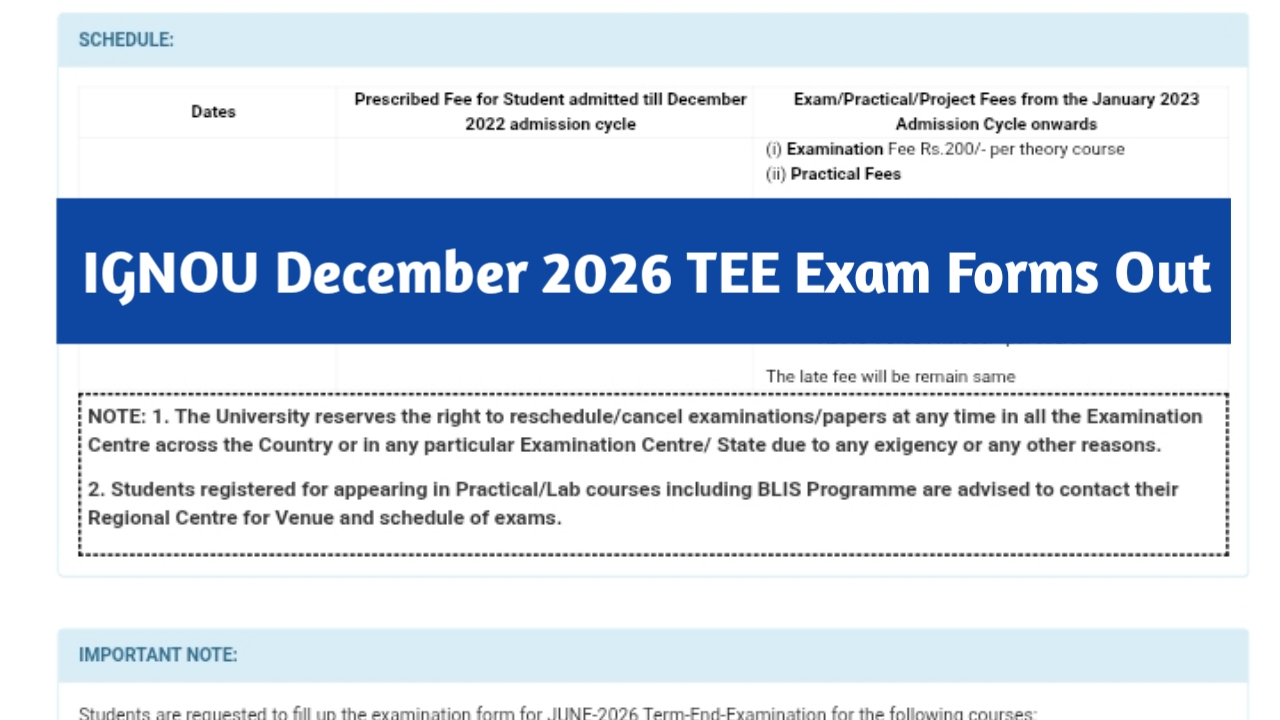

IGNOU is one of the most important and largest distance education universities in India. IGNOU University has recently released the examination forms and the tentative datesheet for the December 2026 TEE examination. Now, there is an update regarding the examination forms for the December 2026 TEE. All students are advised to read this article in full for complete information.
IGNOU December 2026 TEE Examination Forms – Overview
| Content | Related Details |
| Examination Forms Released By | IGNOU University |
| Examination Forms Released For | December 2026 Term End Examination |
| Examination Forms Submission Procedure | Provided Below |
| Homepage | https://gdcexamup.in/ |
IGNOU December 2026 TEE Examination Forms
IGNOU University has released the examination forms and tentative datesheet for the December 2026 term end examination. Please note if any student fails to submit his/her examination form, that student will not be eligible to sit in the December 2026 Term End Examination.
IGNOU December 2026 TEE Exam Form Dates
| Submission Date | Fee |
| 10-09-2026 to 30-09-2026 | Students will have to submit 200/- per subject, without any late fee |
| 01-10-2026 to 15-10-2026 | Students will have to submit 200/- per subject + 1100/- late fee |
How To Submit The December 2026 TEE Examination Forms
- First of all, IGNOU students have to visit the official IGNOU portal (https://www.ignou.ac.in/)
- After that, IGNOU students have to click on the December 2026 TEE examination form option
- After that, students have to read all the given instructions and tap on the ” Proceed to fill examination form option
- Once they click on the Proceed to fill examination form option, students have to enter their details like program code, roll number, select examination centre and regional center, and have to choose their subjects
- After that, students have to pay the examination fee online via debit card, credit card, and other given options
Please Note: students must have the ABC or APAAR. If any student does not have the same ID, then that student needs to create the same on the DigiLocker app.