
IGNOU University is one of the most important and famous distance education universities in India. IGNOU University continues to release the Grade Cards for its students, and in the grade cards, all the details regarding the examination are mentioned. So, in this post, we have mentioned all the important details regarding the Grade Cards and the direct link to check the status.
IGNOU Grade Card 2026 – Overview
| Contents | Related Details |
| Grade Card 2026 released by | Indira Gandhi National Open University (IGNOU) |
| Grade Cards are released for | June 2026 TEE students and other TEE students |
| Where to view Grade Card status 2026 | The direct link and procedure are provided below |
| Homepage | https://gdcexamup.in/ |
What Is IGNOU Grade Card 2026
The Grade Card is one of the most important documents issued by IGNOU University. In the Grade Card, all the examination-related details are mentioned, such as (Student name, enrollment number, TEE year, subject-wise theory marks, subject-wise assignment marks, subject-wise practical marks, and overall result: completed or not completed).
Simple Procedure To View Grade Card Status 2026
To check the IGNOU Grade Card status 2026, students have to follow the simple steps that are provided below.
- First of all, IGNOU students have to visit the official website of IGNOU (https://www.ignou.ac.in/)
- After visiting the official website, students need to click on the student services option
- After that, students need to tap on the results option and choose the Grade Card option
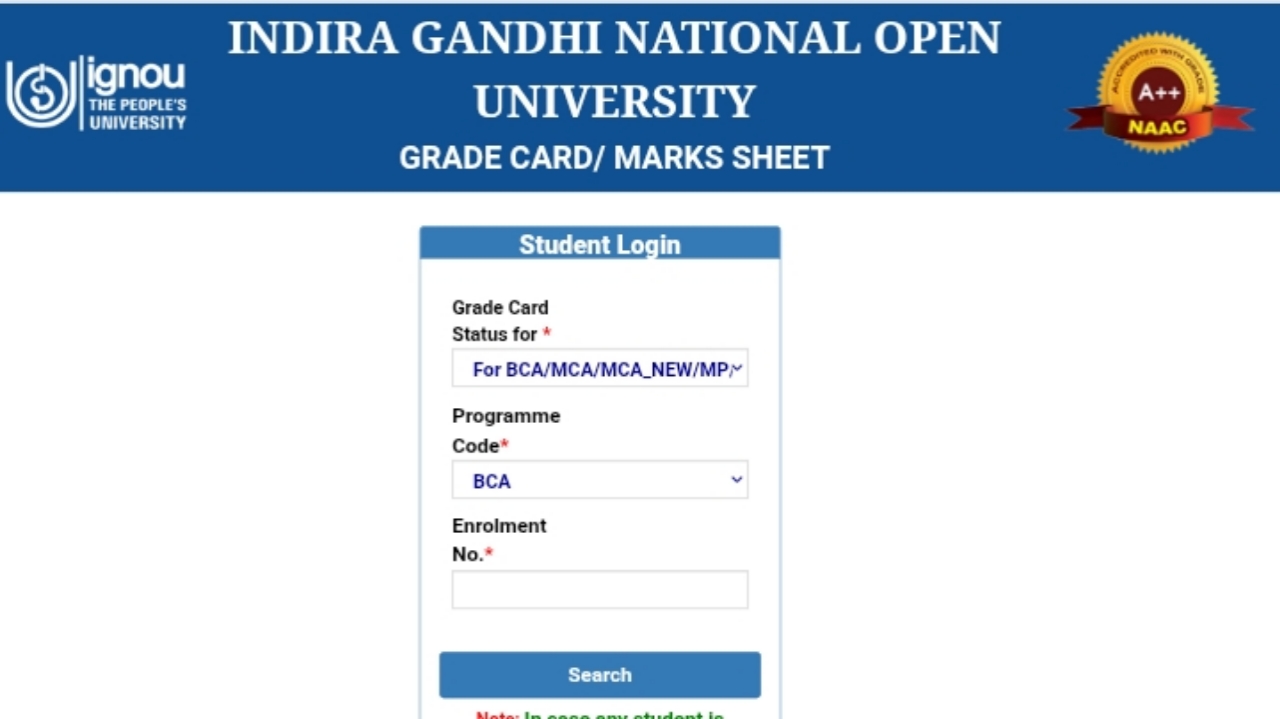
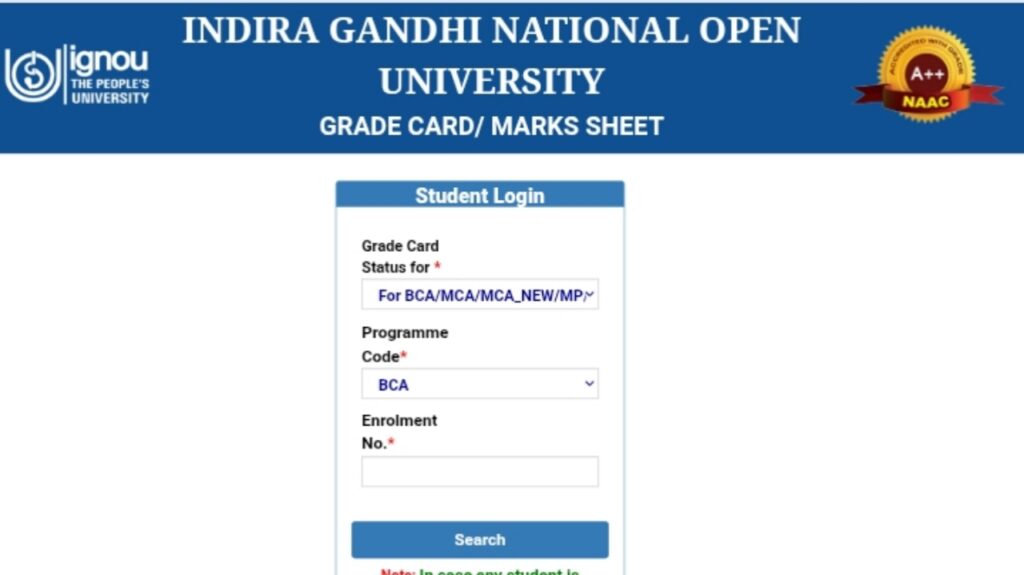
- After that, students need to choose their Program, Program Code, and have to enter their unique roll number
- Once entering all these details, students have to click on the search option, and their grade card status will be shown
What Is The Meaning Of Completed And Not Completed In IGNOU Grade Card Status
If your Grade Card 2026 status shows completed, it means that you have successfully passed that subject in the examination, and if your Grade Card status shows not completed, it means you have failed in that subject, or you have failed in the assignments, or in the practicals, or the evaluation of that subject has not been done yet.